Guide · General
Best Budgeting Apps Free in 2026: 9 Tools Compared
Compare the best budgeting apps free of cost on bank connections, privacy, free plan limits and upgrade prices as of 2026.
By the HearSmart research desk · Updated November 14, 2026 · 13 min read
The useful free budgeting app is the one whose unpaid limit matches how the household already handles money. A bank-linked overview, a manual envelope ledger, and a self-hosted file aren't the same product. In a 2021 survey cited by the Consumer Financial Protection Bureau, only 20% of respondents knew fintech apps could use third-party providers to gather financial data, and just 24% knew such apps could sell personal financial information. The same record notes that a 2025 Consumer Reports evaluation found most tested digital-finance services didn't meet data-minimization standards and gave users limited control over selling, sharing, and targeted advertising.
Free tiers differ less in listed features than in the return they require. That return is a bank login, hours of manual entry, a self-hosted server, or caps on envelopes, wallets, and transaction history. This comparison of best budgeting apps free sets nine tools against budgeting method, free account connections, privacy model, free-plan limits, and upgrade cost. NerdWallet links accounts at no charge and offers an overview more than a hands-on plan. Goodbudget, EveryDollar, and Spendee fit readers who will type each transaction. Actual Budget keeps the most control over where data sits and asks for the most setup. Honeydue, Money Manager, and AndroMoney extend the manual side for couples, chart-heavy ledgers, and multi-account records.
Readers who won't link a bank should follow that manual and local route and skip the dashboards. Prices appear only when the seller publishes them. Missing upgrade prices aren't guessed. Seller prices can change.
Table of Contents
- 1. Goodbudget
- 2. EveryDollar
- 3. Actual Budget
- 4. Honeydue
- 5. Spendee
- 6. Empower Personal Dashboard
- 7. NerdWallet
- 8. Money Manager Expense & Budget
- 9. AndroMoney
- How the nine free budgeting apps differ on budgeting method, account connections, privacy and upgrade costs
- Choosing a Free Plan Without Surprises
1. Goodbudget
Envelope budgeting asks for typing, not a bank password. That trade-off still matches how many people budget. A 2025 survey of U.S. budgeting-tool users found manual expense tracking remained the most common method at 53.8%, ahead of financial-goal setting at 45%, according to Academy Bank.
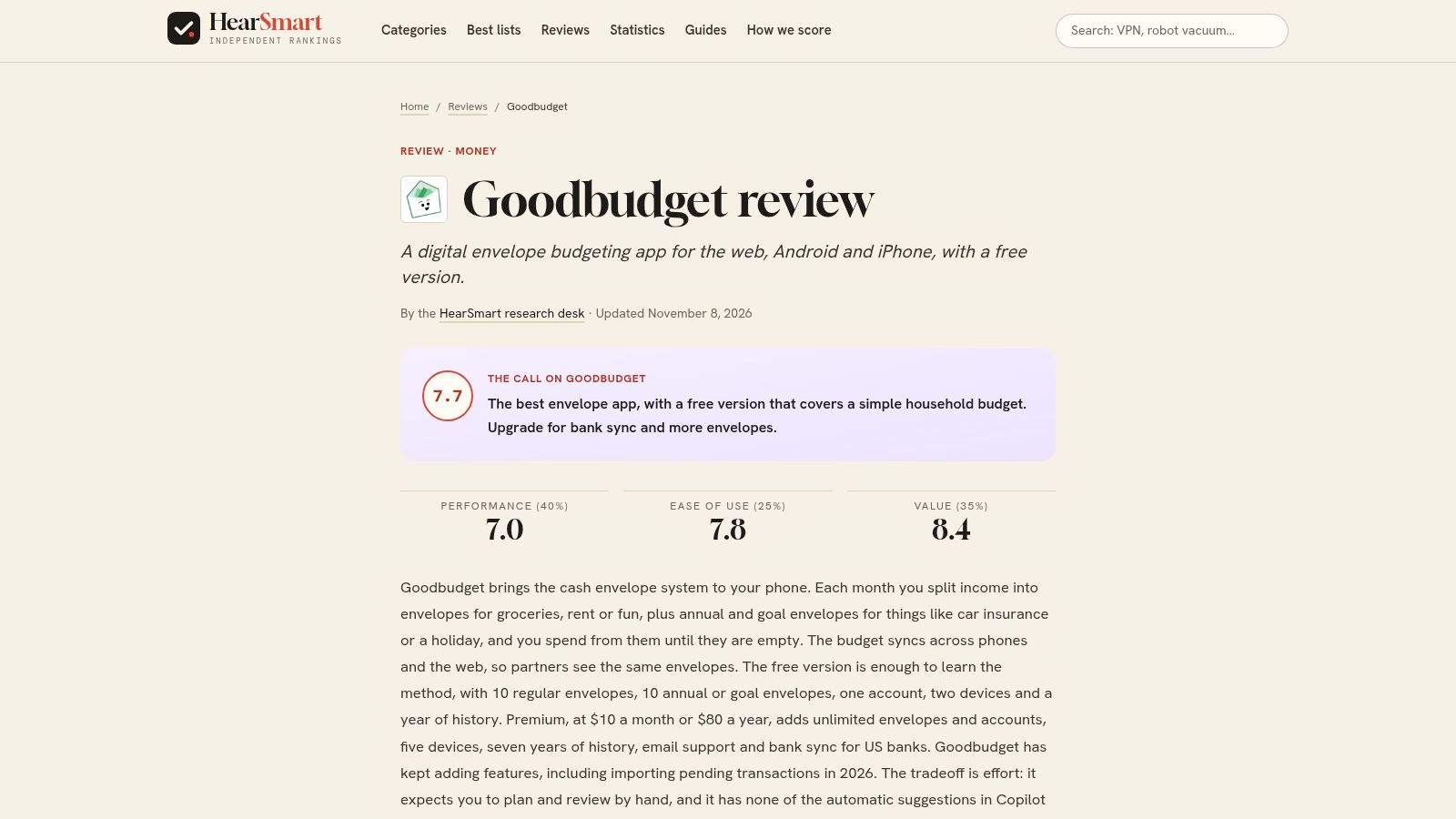
Goodbudget is that envelope method on a phone and a browser. Users plan an amount for each category, then record spending against it. The free plan includes 10 regular envelopes and 10 additional envelopes, debt-payoff envelopes, debt accounts, one account, and one year of transaction history. Sync covers the web and up to two mobile devices. Two people can share that setup if both will type. Automatic bank syncing isn't included.
What stays limited
- Category planning is included: The free tier is a plan, not only a spending report.
- Envelope caps bind quickly: Ten regular envelopes plus ten extra get tight once debt, groceries, and irregular bills all need a line.
- History stops at one year: Older transactions fall outside the free record.
- Upkeep is the actual cost: Manual entry requires a regular habit, and NerdWallet reports mixed Google Play feedback.
The HearSmart Goodbudget review walks through those caps in more detail. A paid upgrade price isn't in the seller material used here, so it isn't estimated. Current terms sit on Goodbudget.
2. EveryDollar
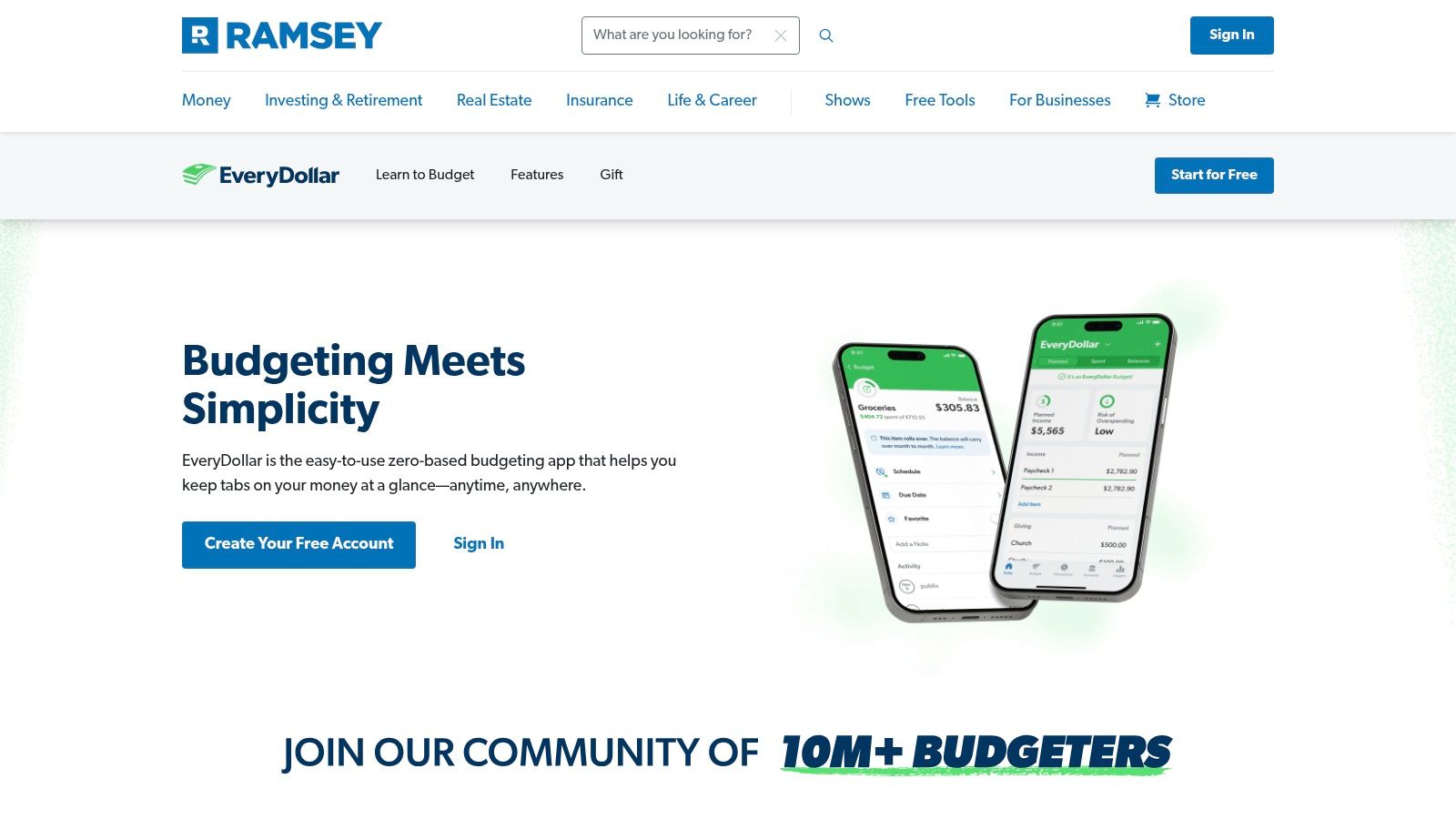
Zero-based budgeting spends the planning effort on payday and the typing effort all month. EveryDollar gives each dollar a budget line. The free version runs on an ongoing basis through the web and the mobile app in the United States. Users add and rearrange budget items, then record and categorize transactions by hand. Bank connections sit behind the Premium tier, so the free plan's real cost is time rather than money.
That manual log lives on the mobile screen.
Practical rule: If nobody opens the app on payday and again when money leaves, a free zero-based plan stalls even when the method is sound.
More than 90% of consumers interviewed for a 2017 Consumer Financial Protection Bureau project expressed interest in a tool that showed, in real time, how much remained in a spending budget. That finding is reported interest, not proof that the tool improves outcomes. Free EveryDollar doesn't pull the remaining balance from a linked account. It shows it only after someone types the transaction. Irregular income makes the monthly assignment feel rigid, since a zero-based plan assumes a known amount to distribute. Bank syncing is the upgrade trigger, and it requires Premium. Check the current Premium price on the EveryDollar product page before subscribing.
3. Actual Budget
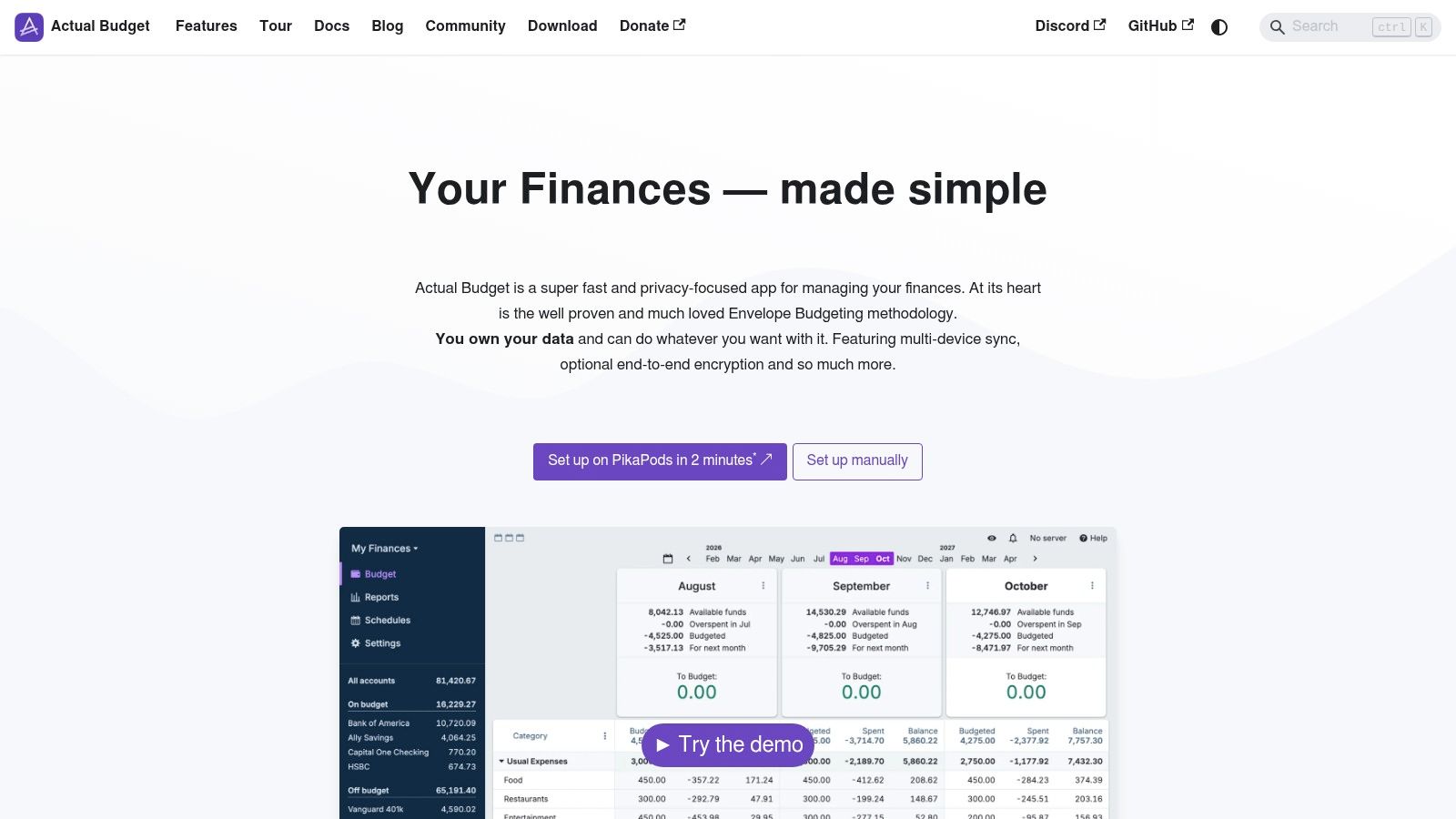
Local storage is the feature, and setup is the cost. Actual Budget is free, open-source software with a local-first design. Budgets, reports, scheduled transactions, and file imports work without a server. Installers cover Windows, macOS, and Linux. Sync across devices, browser or mobile access, and supported bank-sync options need a server the user runs.
A 2021 peer-reviewed study of personal-finance smartphone apps among low-income households treated engagement, not the download, as the measurement problem. During the intervention, 86 participants (45%) used the apps five or more times, 61 (32%) used them fewer than five times, and 44 (23%) didn't download an app or didn't use it, as reported in this 2021 study. The study also reported improvements in financial knowledge and skills, attitudes and motivation, and financially capable behaviors among participating households. A self-hosted budget joins the frequent-use group only if someone maintains both the file and, when sync is wanted, the server.
Where the free software stops
Browser-only use needs careful backups and isn't recommended for long-term use. A practical backup is an exported file copied off the machine, not a browser cache. File imports avoid handing over bank credentials. There is no subscription price to quote because the core software is free. Any hosting cost sits outside the app. Project notes are at Actual Budget.
4. Honeydue
Couples get a free shared view, and they also get a choice about what to disclose. Honeydue is a mobile app for partners managing money together. Each person can choose which financial information is visible, bring selected balances into one view, set monthly category limits with alerts, and use bill reminders plus in-app chat.
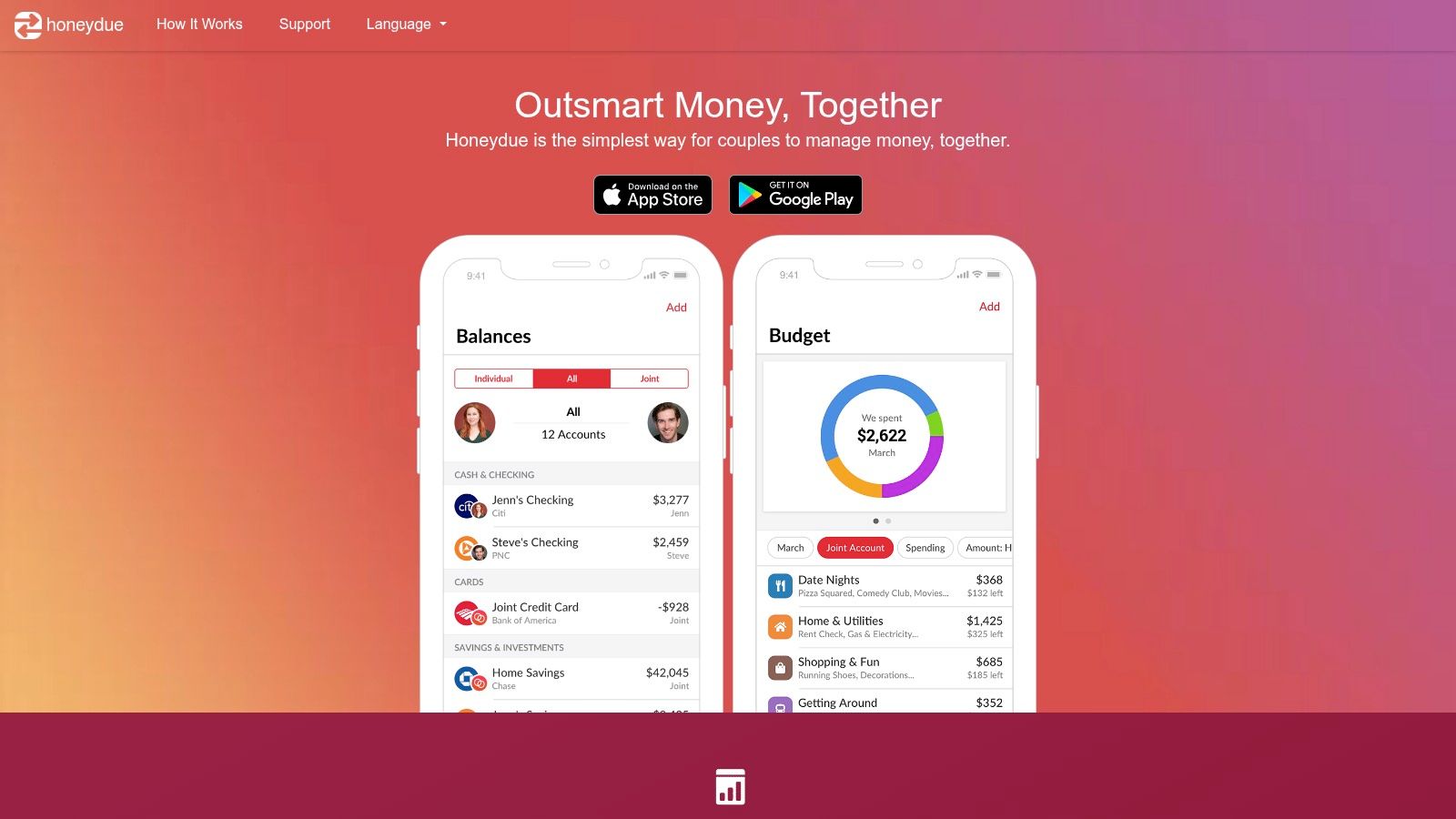
- Sharing is selective: A household limit doesn't require every account to be visible to both people.
- The listed access is free: Check the current price on Honeydue's website before relying on any paid feature.
- Mobile only: The shared view lives in the app on each partner's phone.
- A linked login still needs a terms check: Account-connection and privacy language should be read before credentials are stored.
The trade-off is scope. Complex reporting and budget automation aren't what this app is built to do. Partners who need category rules, a long planning history, or a desktop ledger will outgrow chat and monthly limits. The product page is Honeydue.
5. Spendee
The free tier asks for keystrokes instead of bank credentials. Spendee is a visual tracker on iPhone, Android, and the web. The free plan covers one cash wallet, manual entries, backup and sync, a total budget, and CSV export. Extra wallets, shared wallets, and bank connections are paid features. Spendee's paid prices vary by platform, so check the app store listing for the current figure.
Among mobile-phone users who tracked purchases or expenses by phone in the Federal Reserve's 2012 survey of U.S. consumers, 38% used a mobile application, 47% used a website through a browser, 10% used a spreadsheet, and 21% recorded information in a notepad or word processor, according to the Federal Reserve. Spendee's free tier sits in that manual-entry group, which also makes it a workable route for readers who avoid linking accounts at all. The CSV file is the exit if the one-wallet cap becomes the problem.
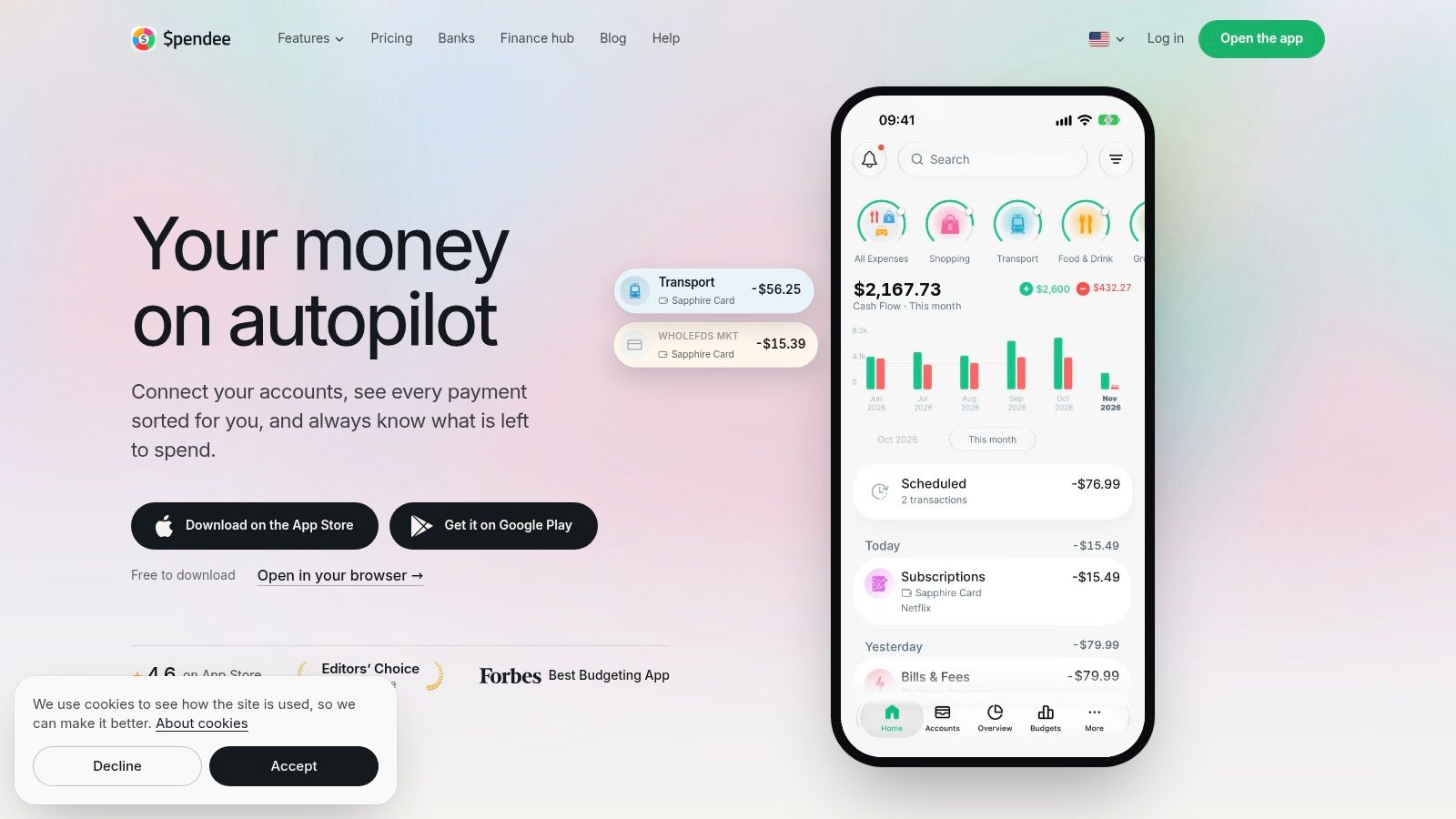
The spending view is what readers meet before any paid bank import.
Automatic categorization stays off the unpaid plan. A second account or a shared wallet marks the upgrade line. Check the live platform price on Spendee before subscribing.
6. Empower Personal Dashboard
A free dashboard earns the bank login only when investments are part of the job. Personal Dashboard connects checking, savings, credit-card, loan, mortgage, and investment accounts, then shows spending by category with customizable categories. Net-worth, portfolio, and retirement-planning tools sit on the same mobile and desktop account. The dashboard and these financial tools are free. Useful automation requires linked accounts, and the product may promote separate paid wealth-management services.
In a February 2025 survey of more than 300 active participants, 47.7% of budgeting-app users relied on bank-provided apps, 29.4% used third-party apps, and 22.9% used both, according to Academy Bank's survey report. This app sits in that smaller third-party group by combining everyday spending with investment views while leaving a monthly assignment optional.
App-store reception is uneven between iPhone and Android. That split is a limitation. It says little about the free tools. Readers who will not share bank credentials should treat this as the linked-account route and compare the wider field in HearSmart's budgeting-app spec sheet. Linking starts at Empower's tools page.
7. NerdWallet
Cash flow on a phone is a snapshot, not a desktop budget. The free NerdWallet app shows spending by category, comparisons with previous months, net worth, and credit-score information. Its Cash Flow tool runs in the iOS and Android apps, not on the web. Much of the automated view requires linked bank accounts, so skipping the link removes much of what the app shows. Financial-product recommendations can appear beside the tracking tools, a trade-off worth weighing before connecting anything.
The phone screen is the whole Cash Flow workspace.
A linked overview can show where money went last month. It still doesn't assign a ceiling to next month's groceries unless the household does that work somewhere else.
There is no custom line-item budget of the EveryDollar kind, and transaction detail runs lighter than a dedicated ledger. Readers weighing cash balances alongside an app can compare their buffer against these personal savings statistics. No paid app price is listed for NerdWallet, so check the app's download page for current terms before subscribing to anything. The download page is NerdWallet.
8. Money Manager Expense & Budget
Charts don't require a bank feed, and ads are part of the free install. Money Manager Expense & Budget, from Realbyte, records income and expenses, sorts them into categories, and shows budgets in graphs. Reports run on daily, weekly, and monthly views. The same ledger can hold personal and business transactions. Users type the entries themselves.
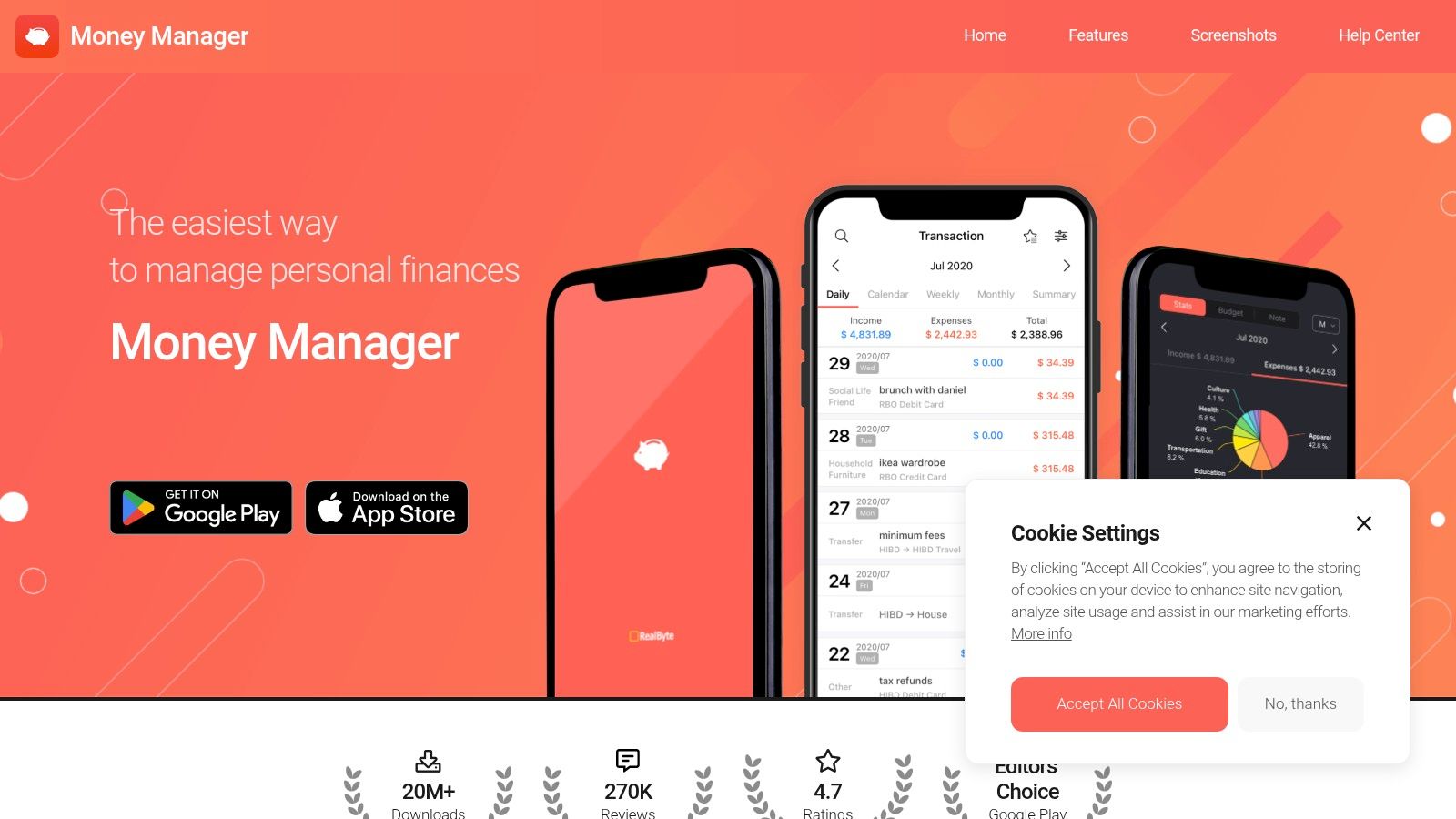
Google Play lists more than 10 million downloads and a 4.6/5 rating from over 460,000 reviews. That listing also shows ads and in-app purchases. Feature details used here come from the Android listing, so availability can differ by platform. No separate subscription price is stated in this record.
- Manual entry is the method: Nothing in the free setup replaces a typed transaction.
- Reports are the payoff: Graphs compare spending with the budget the user set.
- Ads are a limit: The install costs nothing, and the screen isn't ad-free.
Business and personal categories should be split at the start, or the monthly chart mixes two ledgers. The publisher site is Realbyte.
9. AndroMoney
A household holding cash, a card, and a second currency needs more than a single wallet. AndroMoney organizes transactions, accounts, categories, and budgets in one ledger. It supports multiple accounts and currency formats, customizable and hierarchical categories, and simple, detailed, or custom budgets. Charts, cloud backup options, and Excel or Numbers export round out the feature set described in the iOS App Store listing, so anyone on another platform should confirm the same controls exist there first.

User reviews describe it as useful for detailed expense tracking and custom subcategories. The cost of that flexibility is manual recording, since the app does not sync bank accounts automatically. A premium version exists, and the store listing is the place to check its current in-app price before relying on the free tier.
A premium badge without a published price isn't a free-plan limit a reader can budget for. Open the store listing before treating the unpaid tier as the whole app.
Start with one account and a short category tree, then add subcategories only after a month of real entries. The product site is AndroMoney.
How the nine free budgeting apps differ on budgeting method, account connections, privacy and upgrade costs
Free across these nine apps is paid for in one of three currencies: manual entry, bank credentials, or a server.
| Item | Budgeting Method | Free Account Connections | Privacy Model | Upgrade Cost |
|---|---|---|---|---|
| Goodbudget | Envelope budgeting | No bank connections; manual transaction entry | Financial data entered manually; no bank login held | Upgrade available; the current price is on the maker's pricing page |
| EveryDollar | Zero-based budgeting | No bank connections; manual transaction entry | Financial data entered manually; no bank login held | Bank syncing requires the paid plan; the current price is on the maker's pricing page |
| Actual Budget | Category-based budgeting | File imports; bank syncing requires server setup | Local-first, open source; users control data storage | Core software is free; the cost is a server the user runs |
| Honeydue | Shared household spending limits | Both partners can connect balances; check the app for the current account limit | Partners choose what financial information to share | Free; check the maker's site for current plan options |
| Spendee | Manual expense tracking and budgeting | One cash wallet; bank connections are paid | Check the in-app privacy policy before linking accounts | Paid plans add features; the current price is on the app store or the maker's pricing page |
| Empower Personal Dashboard | Spending overview and tracking | Connects financial accounts at no cost; check the app for the current account limit | Linked accounts power the automated features | Dashboard is free; separate wealth-management services may cost extra |
| NerdWallet | Cash-flow and spending tracking | Bank accounts link at no cost; check the app for the current account limit | Automated views require linked accounts | Free to use; check the maker's site for current plan options |
| Money Manager Expense & Budget | Manual transaction and budget tracking | No automatic bank connections stated | Transactions are recorded manually | Free with ads and in-app purchases; the current prices are on the app store |
| AndroMoney | Manual expense tracking with customizable budgets | Multiple accounts supported; automatic bank syncing not stated | Check the in-app privacy policy before storing financial data | Premium version available; the current price is on the app store |
The columns interact. The two apps with a named method, Goodbudget's envelopes and EveryDollar's zero-based plan, give structure and withhold automation, while Honeydue and NerdWallet automate tracking and drop any per-category ceiling. Actual Budget sits between them, keeping the budget file on the user's own storage and charging setup work for sync rather than a subscription. Where a row points to the app store for a price, the free limits matter more than the sticker, since they decide how far the plan goes before any payment is due.
Choosing a Free Plan Without Surprises
The choice collapses to two questions. Will the reader enter transactions by hand, and will the reader connect bank accounts at no cost?
Readers who accept manual entry have the widest free choice. Goodbudget's envelopes make a planned cap visible, then stop at envelope count, one account, and one year of history. EveryDollar's zero-based plan gives each dollar a job and withholds bank sync unless the household pays. Spendee keeps one cash wallet, backup, a total budget, and a CSV export, then charges for more wallets or a bank import. Money Manager and AndroMoney extend that route with charts and, in AndroMoney's case, multiple accounts and currencies. Honeydue is the couple-specific version: free shared limits, selective disclosure, and no desktop app in the account NerdWallet gives of the product.
Readers who want automatic transactions without paying should look at NerdWallet and accept an overview. NerdWallet's Cash Flow tool stays on the phone. It doesn't assign a ceiling to every category.
Readers who want data kept locally should expect setup work with Actual Budget. Core budgets and file imports don't need a server. Sync, mobile access, and bank connections do. Browser-only use isn't a sound long-term file plan.
A paid upgrade becomes necessary at a specific wall. That wall is another envelope or a second account on Goodbudget, the bank connection on EveryDollar and Spendee, a second Spendee wallet, the server on Actual Budget, or a desktop Cash Flow view NerdWallet doesn't offer. Households that refuse bank linking should stay on the manual and local side of the list even when a dashboard would be faster.
Before relying on any free plan, check the current price and limits on the maker's site, because plans and terms change often. For readers who expect to pay, HearSmart's Best Budgeting Apps ranking places YNAB first, from $9.08, with a score of 8.8. The YNAB pricing page lists a 34-day free trial, says users aren't charged unless they subscribe, and shows $14.99 a month beside an annual-plan price of $9.08 per month. No credit card is required for the trial. Those are seller-published figures and can change. The annual equivalent is the figure the ranking uses, not a separate discount negotiated for this guide.
HearSmart ranks money apps on one public formula and quotes seller prices as published, with the date checked on each ranking. Before connecting a bank or paying for a premium tier, confirm the live cap on the maker's page: envelopes, wallets, history, or a server. Households ready to leave the free tier can set that choice next to YNAB's published trial and monthly price on HearSmart rather than assuming a free dashboard will turn into a full budget.
Spotted an error in this guide? Email editorial@hearsmart.org