Guide · General
How Long Do Smartphones Last and What Shortens Them
How long do smartphones last? Replacement data, battery cycles and software support explained for 2026, with sourced figures and a decision guide.
By the HearSmart research desk · Updated November 29, 2026 · 12 min read
A typical smartphone is kept for about three years, and how much longer it stays usable comes down to two things: whether it still receives security updates and how far its battery has worn. Those two clocks run on different schedules, and neither one matches the calendar date printed on a receipt.
Shipment data reframes the question. Actual new smartphone shipments in 2025 implied an average device lifetime of 4.2 years before replacement, according to Omdia figures reported by The Register. That's well past the three-year habit most surveys report, and it suggests buyers are holding hardware far longer than their stated upgrade intentions imply.
The gap matters because "how long do smartphones last" has two honest answers. One describes ownership behaviour, the other describes usable service life, and the second is the one a buyer can influence through support windows, battery care and repair choices.
Table of Contents
- Typical Smartphone Lifespan in Numbers
- Which Definition of Lasting Fits Your Question
- How Battery Wear Sets the Replacement Clock
- How Software Support Ends a Phone's Useful Life
- Repair Costs and Physical Damage That Cut Life Short
- Everyday Habits That Extend or Shorten Phone Life
- Decide Whether to Repair or Replace Your Phone
Typical Smartphone Lifespan in Numbers
Replacement figures for smartphones run from a little over two years to more than four. The gap is definitional. One study records when an owner buys the next phone. Another records how long any handset remains in use, including second owners and spares. Security support and repairability sit on a separate clock, and that is the measure a buyer can set before purchase.
| Measure | Value | Year | Basis |
|---|---|---|---|
| GSMA consumer survey | A few years, with most devices replaced inside that span | 2024 | Stated replacement behaviour |
| Global replacement cycle, Counterpoint Research | Multi-year cycle | 2016 | Average replacement cycle |
| Global replacement cycle, Counterpoint Research | Multi-year cycle | 2023 | Reported replacement cycle |
| Global replacement cycle, Counterpoint Research | Multi-year cycle | 2024 | Reported replacement cycle |
| Average US consumer smartphone lifespan, Statista via BankMyCell | 2.53 years | 2024 | Reported consumer lifespan |
| US upgrade interval, Reviews.org survey of 1,000 adults | About 29 months | 2025 | Upgrade interval |
| Shipment-implied device lifetime | Longer than stated upgrade intervals | 2025 | Installed base relative to new units sold |
Why the Benchmarks Don't Agree
Read the U.S. rows as a pair, not as a contradiction. A 2025 survey of 1,000 adults published by Reviews.org put the upgrade interval at about 29 months. Statista figures reported by BankMyCell put the average U.S. consumer smartphone lifespan at 2.53 years in 2024. The two sit near each other and still answer slightly different questions: time until the next purchase, versus how long the phone is said to last.
Shipment-based lifetimes run longer because a phone handed to a family member, or left in a drawer as a spare, still counts as in use. Nobody in that case decided to keep a daily device longer.
Survey averages describe other people's replacement habits. They do not say when security updates stop, or when a worn battery makes the phone not worth keeping. Those limits are the part of lifespan a buyer can influence, by checking the support window and the repair path before purchase.
HearSmart's smartphone usage statistics page tracks ownership and upgrade patterns behind these benchmarks.
Which Definition of Lasting Fits Your Question
A phone can last in two different senses, and mixing them sends a buyer to the wrong conclusion. One clock is replacement timing: how long a person keeps the device before buying another. The other is the point at which security updates stop, and with them the period the phone stays trustworthy and worth repairing. Replacement timing and security support end at different points, so the two measures answer different questions.
Phones leave service while they still work. Battery wear, slower performance, damaged hardware, a camera or network that no longer matches what the owner wants, and a trade-in that looks better than keeping the old unit are the usual triggers. Each is a preference or a wear item, not a fixed failure date. Replacement timing records what owners do. It does not say when one phone stops being safe to use, or when a repair still makes sense.
The measure a buyer can control is the second one. Average ownership is a population pattern. Support length and whether the phone remains repairable are properties of the model on the shelf, and both can be checked before purchase.
Two questions sort which definition applies.
Keeping it five years or more. Judge the phone by its security-support end date, and by whether a repair is still realistic once that date arrives. A model whose support ends at year three is a short purchase for a five-year owner, even if the hardware still runs perfectly.
Upgrading for new features. Judge the phone by how long you already keep devices, using the ownership periods in the benchmark table above. The next purchase only changes your pattern if you hold it longer than that.
Network features sit with the first question. A phone that cannot use the current network gets replaced early, whatever its condition. Buyers planning a long hold should compare eSIM versus physical SIM support before they commit to a model.
Both measures belong in an honest answer. One reports what people do. The other reports what the phone can still be trusted, and repaired, to do.
How Battery Wear Sets the Replacement Clock
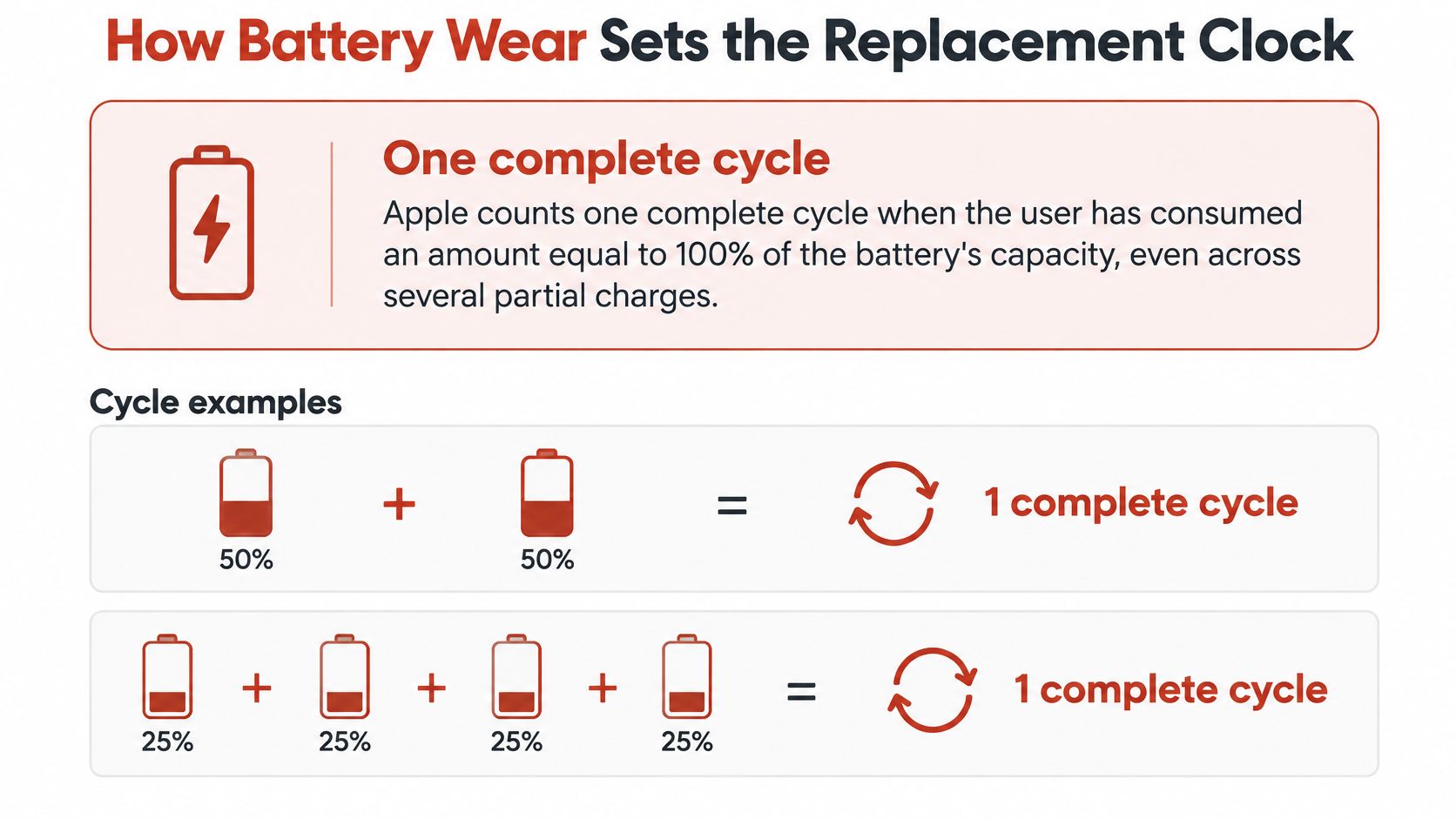
Capacity falls as charge moves through the cell. Apple counts one complete cycle when the user has consumed an amount equal to 100% of the battery's capacity, even across several partial charges, so two days at 50% each add up to a single cycle, as Apple's battery service documentation explains.
Cycle counts convert into years once daily consumption is known. The published rating is a ceiling set by the maker. How fast the owner spends those cycles is the part of the replacement clock that person can move. Security support and repair access run on different clocks.
| Battery design | Cycles to 80% capacity | Years at one full cycle per day | Notes |
|---|---|---|---|
| iPhone 14 and earlier | 500 | About 1.4 years | Design target under ideal conditions (Apple, 2025) |
| iPhone 15 | 1,000 | About 2.7 years | Design target under ideal conditions (Apple, 2025) |
| Any smartphone sold in the EU from June 20, 2025 | Reported in multiples of 100 | About 0.3 years per 100 cycles | Endurance to 80% of rated capacity shown on the EU energy label (Apple regulatory information, 2025) |
Converting Cycles Into Your Own Years
Divide the design target by cycles used per day, then by 365. A heavy user who drains one full battery equivalent a day reaches 500 cycles in about 1.4 years and 1,000 cycles in about 2.7 years. Someone who uses half a battery a day takes twice as long, so the same 500-cycle design lasts about 2.7 years of ordinary use. The EU figure follows the same rule: 100 labelled cycles at one per day is about 0.3 years.
The 80% threshold is a capacity marker, not an expiry date. A phone that reaches it keeps working, with shorter runtime between charges and, in some cases, throttling under heavy load as internal resistance rises.
The EU Label Makes Endurance Comparable
European rules now put battery endurance on the box. Regulation (EU) 2023/1669 applies from June 20, 2025 and requires smartphones and tablets to display metrics covering energy efficiency, durability and repairability, per Apple's regulatory explanation of the EU energy label. The label shows endurance as the number of charge cycles before usable capacity reaches 80% of rated capacity, in multiples of 100. That count is comparable across models. It does not say how many years a given owner will get.
Practical rule: Open the battery health screen in settings once a year and compare the reported figure with the cycle target for your model. A phone still well above the 80% threshold after two years is on schedule. One that has dropped below it in under a year is losing capacity faster than one full cycle a day would predict, usually from heat or fast charging.
Design targets assume ideal conditions. Heat, sustained fast charging and heavy gaming shorten the interval, so treat the published cycles as a ceiling rather than a promise. Slowing daily drain stretches the same battery. It does not extend a security-support date or undo a cracked frame.
How Software Support Ends a Phone's Useful Life
A working phone can still be an unsafe phone. Security patches stop on a published schedule, and once they stop, unpatched flaws stay unpatched, banking apps begin refusing the operating system version, and the device becomes a liability rather than an asset.
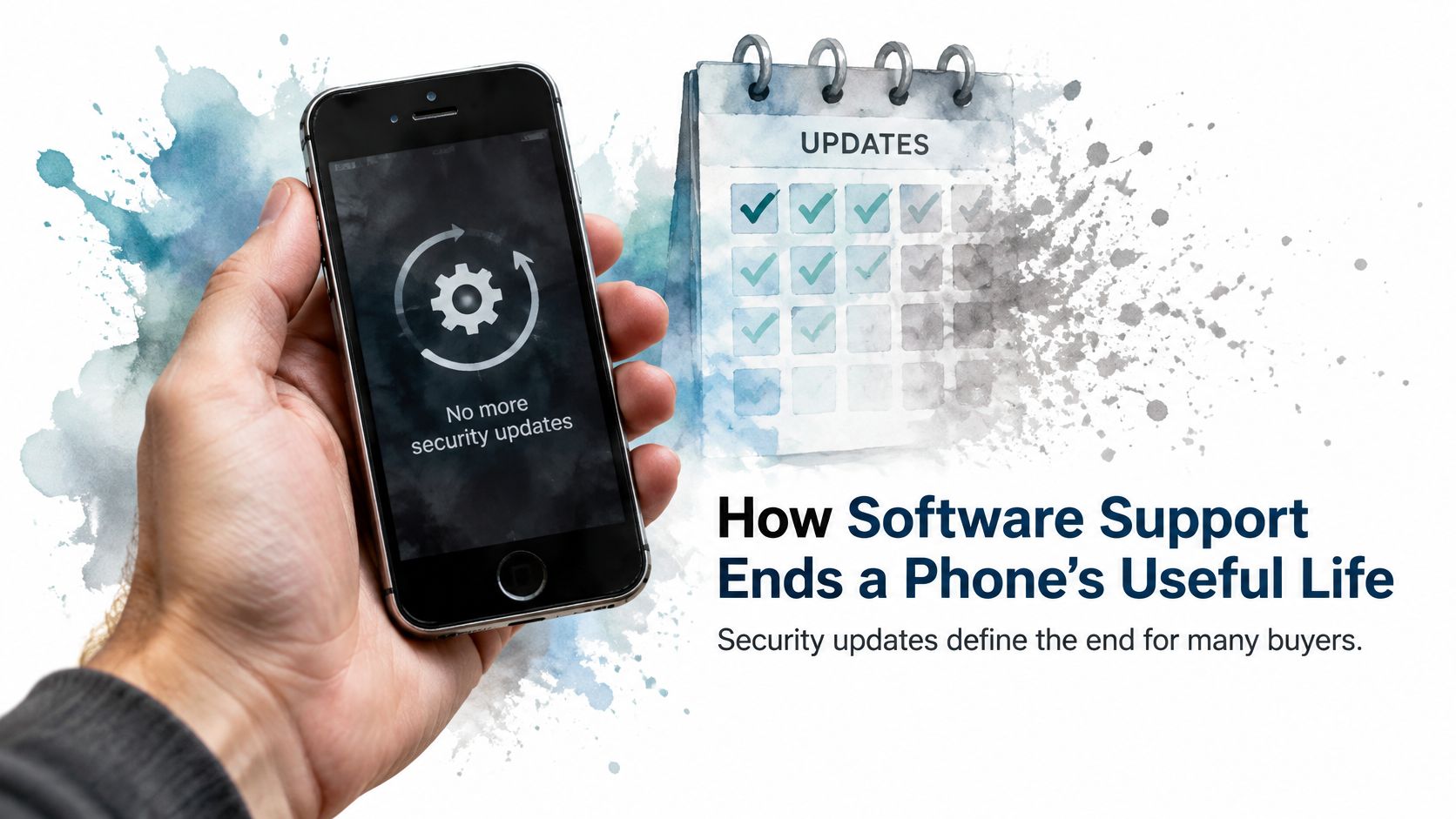
The modelling is stark. A 2025 University of Twente white paper treated lifespan as ending when operating-system security support ends and estimated that changing the operating system could nearly double the modelled life of an Android smartphone, from nearly 5 years to more than 9 years, as summarised in the published analysis of smartphone ownership lifecycle statistics. The same work cites survey evidence that 70% of iPhone users and 80% of Android users keep their phone for 2 to 3 years, which is the gap in one line: people discard devices years before the hardware is the limiting factor.
A five-year owner makes the arithmetic concrete. If support ends at year three, the phone is a three-year purchase no matter how good the screen and processor are, and the last two years are spent outside the security window.
Where to Find a Maker's Published Update Policy
Every major manufacturer publishes an update commitment, and it takes one search to read it.
- Apple: the official iPhone support documentation lists which models still receive the current operating system.
- Android makers: look for the dedicated software update policy page, usually linked from the product's spec sheet.
- Read the end date, not the headline. A promise of "five years of updates" may split into four OS upgrades and five years of security patches, and the security date is the one that matters.
- Note the year you checked. Policies change between model generations, so a figure remembered from two years ago may not apply to the phone in front of you.
The support end date is the single most useful lifespan specification on a spec sheet, and it's the only one that tells you when the device stops being safe rather than when it stops being fast.
Repair Costs and Physical Damage That Cut Life Short
A cracked screen forces a cost decision that a worn battery often does not. Apple's Self Service Repair program supplies genuine parts, tools and repair manuals for supported products, including batteries, per Apple Support's repair documentation. A battery swap restores runtime. The processor, storage and an undamaged display stay in place.
Displays and back covers take most of the shock. A battery can lose capacity or stop charging. A cracked panel, a failing charging port or a crushed cover turns a working phone into a repair quote.
That quote is the decision. When the repair price approaches the price of a replacement, continued ownership stops making economic sense. Affection for the device does not change the arithmetic.
How long someone keeps a phone and how long that phone stays repairable are different measures. An owner controls carrying habits and whether a quoted repair is worth paying. An owner does not control whether parts and service still exist for that model. Breakage is the cut to life that can be prevented. A closed parts catalog is not.
A repair is only worth its cost when parts and service exist for that model. Check availability before you commit to the plan.
Everyday Habits That Extend or Shorten Phone Life
Performance is not the thing that usually gives out. Analysis of more than 3.5 million iPhone benchmark scores found objective device performance stayed relatively stable over time, which shifts causes of early replacement toward battery wear, perceived obsolescence, software compatibility and repair friction, according to the repairability and obsolescence study published through the University of Haifa repository. Habits should therefore target heat, charge cycles and breakage rather than speed.
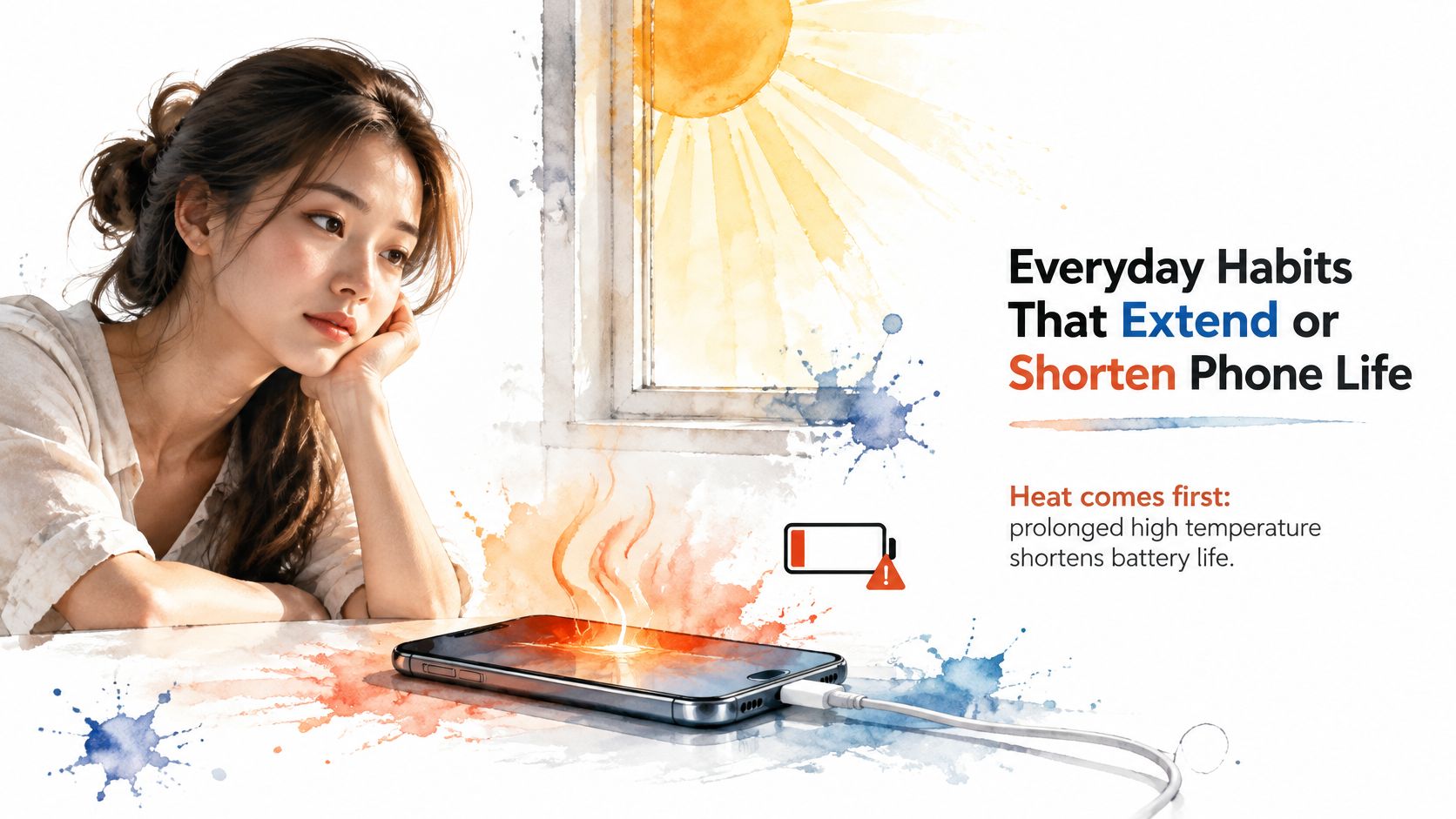
Heat is the biggest lever. Leaving a phone on a dashboard in summer, gaming while plugged in, or navigating in direct sun raises internal temperature, and sustained heat accelerates capacity loss and can trigger throttling.
Charging matters mainly through temperature. The cycle count is fixed by capacity consumed, not by how often the cable goes in, so short top-ups are harmless. A hot phone on a fast charger is not.
Free storage keeps updates installable. Security patches need room to download and unpack, and a full phone skips them.
A case and screen protector protect the repair budget. Cracks are the most common first damage that forces a repair-or-replace decision.
Clean ports prevent charging failures. Pocket lint compacts into the connector and causes intermittent charging that owners often misdiagnose as a dead battery.
A yearly routine covers most of it.
- Keep the phone out of prolonged heat, including hot cars and direct sun.
- Install system and security updates as they arrive.
- Protect the screen with a case and protector.
- Check battery health once a year against the cycle target for the model.
Decide Whether to Repair or Replace Your Phone
Five checks settle the question, and they take about twenty minutes in total.
- Find the security support end date on the maker's published update policy.
- Read the battery health figure in settings and compare it with the cycle target for the model.
- Assess the damage. Note whether the display, charging port or back cover is failing, and whether more than one is.
- Get a written repair quote and confirm parts are available for that exact model.
- Compare the quote with the current price of a replacement on the maker's site. Prices change often, so check the maker's own page on the day you decide rather than relying on a figure from a review or a retailer's sale banner.
| Condition | Check | Likely action |
|---|---|---|
| Battery health reduced, updates still current | Battery health in settings against the cycle target for the model | Replace the battery and keep the phone |
| Cracked display, updates still current | Written repair quote compared with replacement price | Repair if the quote is clearly below replacement cost |
| Failing charging port, updates still current | Repair quote and parts availability for the model | Repair if parts are available and the quote is low |
| Security updates have ended | Documented end date of security updates | Replace, even if the hardware works |
| Hardware works but cannot run the apps needed | Current app requirements against the phone's software version | Replace when the phone can no longer meet them |
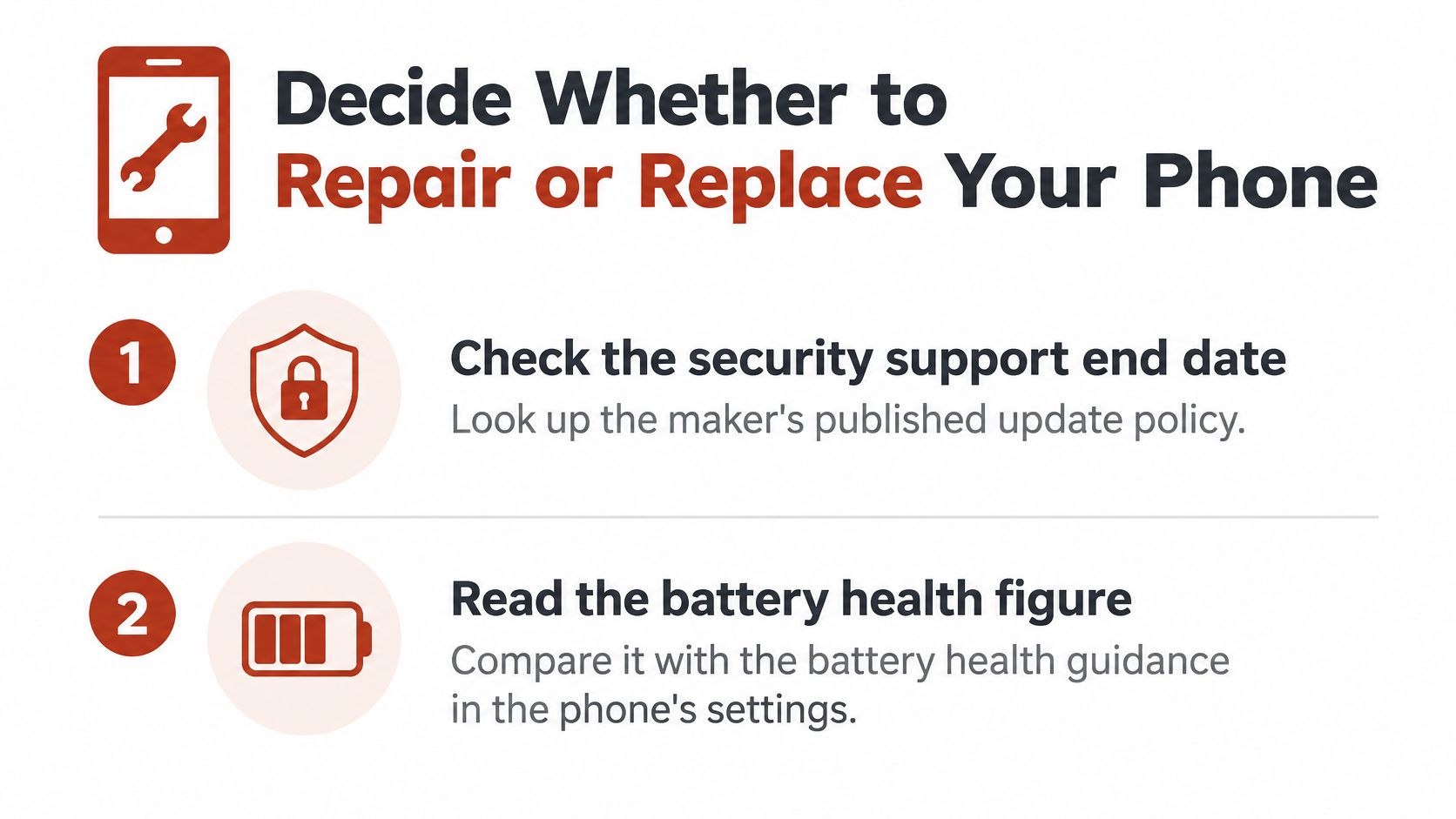
The typical case is the easiest one. A phone with current updates, a healthy screen and a battery that no longer reaches dinner is a battery replacement, not a new purchase. The second most common case is the opposite: a phone that looks and feels fine but stopped receiving security patches a year ago, where the hardware is irrelevant to the decision.
Practical rule: Current updates plus a worn battery means repair. Expired updates mean replace, regardless of condition.
For anyone replacing rather than repairing, HearSmart's ranking of the best budget smartphones lists documented update periods alongside price, which is the specification that determines how long the next phone stays usable.
Confirm two things this week: the security support end date for your model on the maker's published policy page, and the battery health figure in your settings. Write both down next to the date you checked them. If updates run past the years you plan to keep the phone and the battery is the only weak point, book a battery replacement and keep the device. If the support date has already passed, start comparing replacements on the maker's own product pages, where current pricing and the update commitment for each model are stated together, and check that price again on the day you buy.
Cite this page
HearSmart. How Long Do Smartphones Last and What Shortens Them. Updated November 29, 2026. https://hearsmart.org/how-long-do-smartphones-last
Spotted an error in this guide? Email editorial@hearsmart.org